ExpressVPN is now available on Fire TV devices running Vega OS


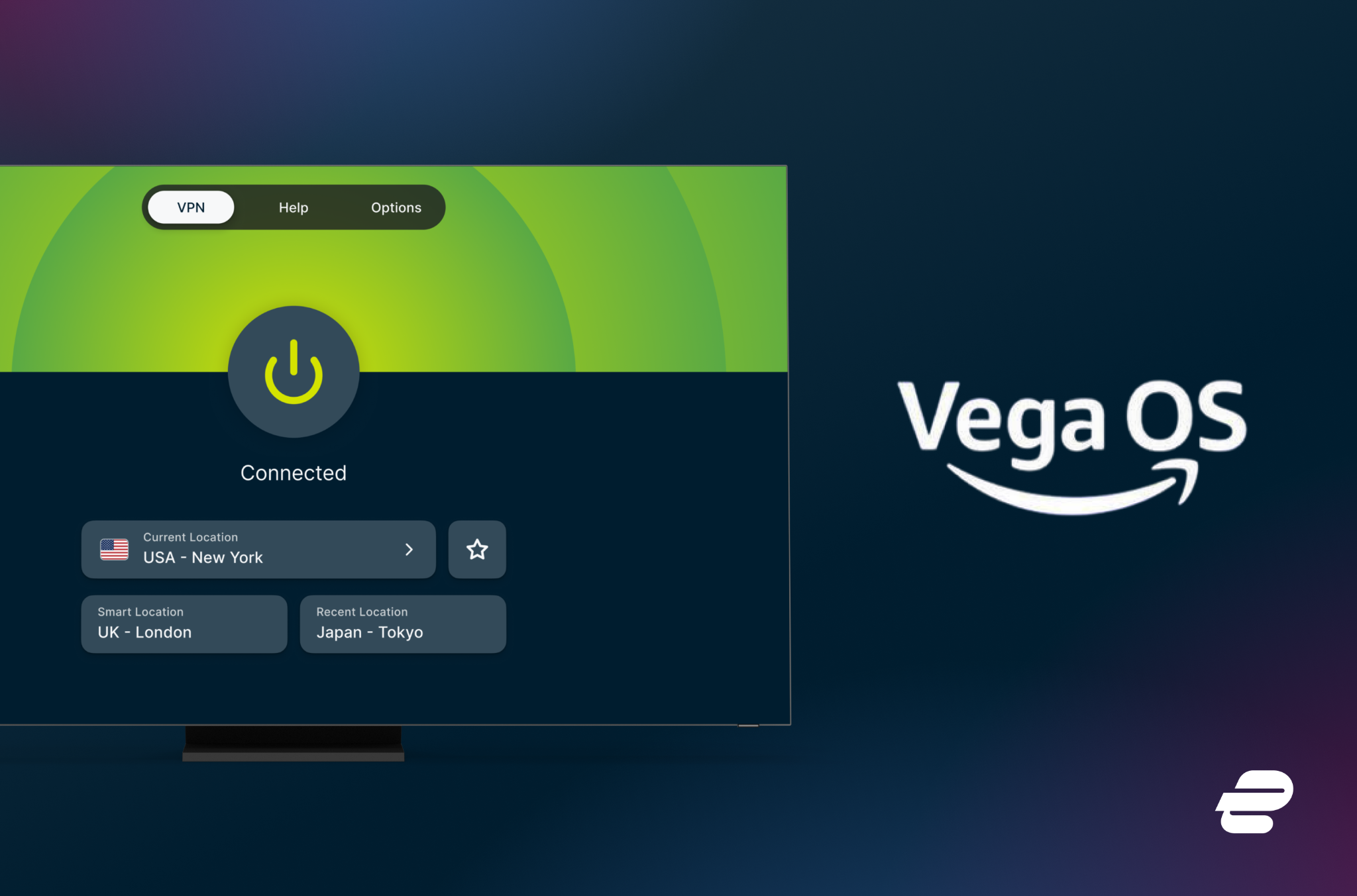
Fire TV users with supported Vega OS devices can now download ExpressVPN from the Amazon Appstore and protect their connection in just a few clicks.
ExpressVPN is now available for supported Fire TV devices running Amazon’s Vega OS, including the Fire TV Stick 4K Select. Vega OS is Amazon’s operating system for select Fire TV devices, and the new ExpressVPN app for Vega OS lets users connect directly on supported devices.
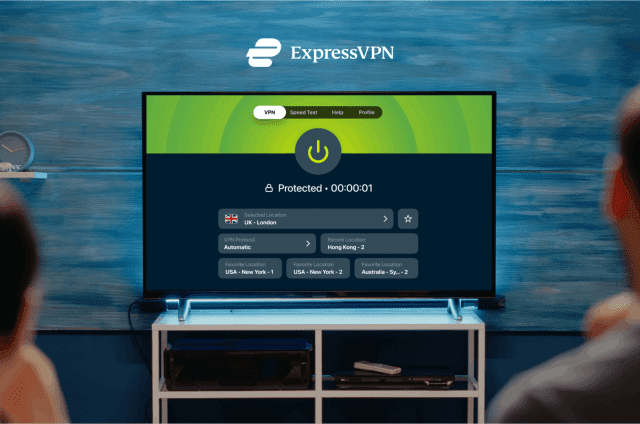
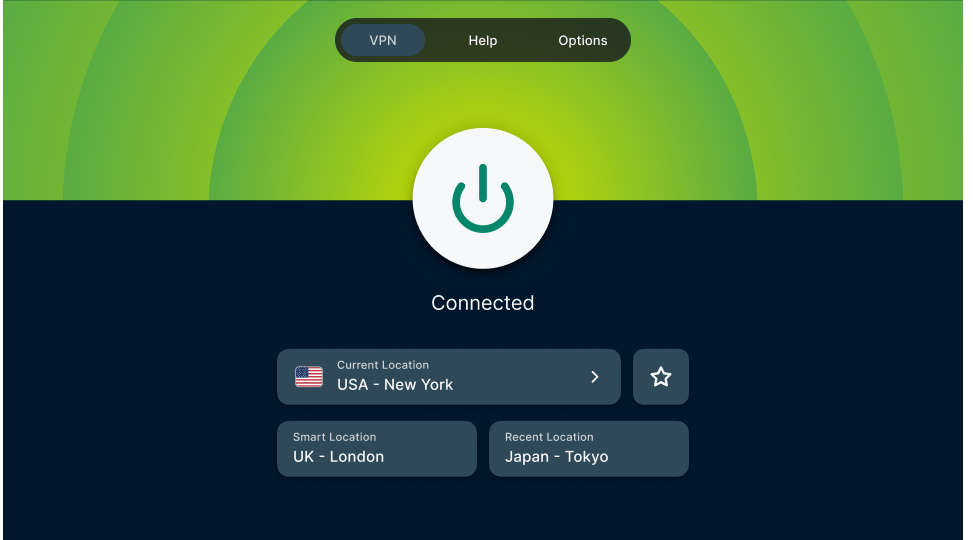
The app is built for TV use, with simple sign-in, VPN location selection, and connection controls that work with a remote.
Built for the TV, not just moved to one
TV apps need to feel simple from the sofa. No one wants to fight with a remote, type long passwords, or dig through menus just to connect.
The ExpressVPN app for Vega OS keeps the main actions close. Users can connect or disconnect, choose a VPN location, and manage their VPN connection with a remote.
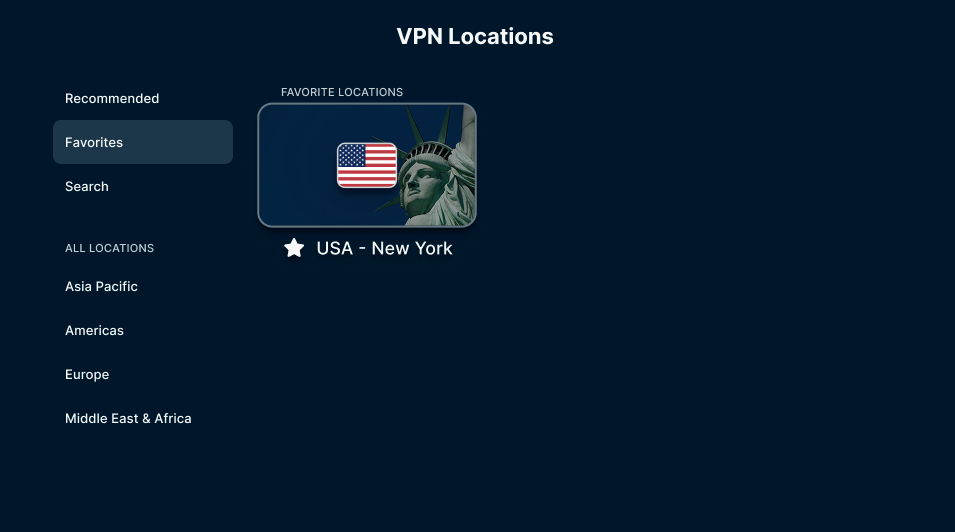
Users can also save VPN locations to Favorites, making it easier to return to the locations they use most.
How to install ExpressVPN on Vega OS
To get started, open the Amazon Appstore on a supported Fire TV device and search for ExpressVPN. Download the app, open it, and sign in with an ExpressVPN account.
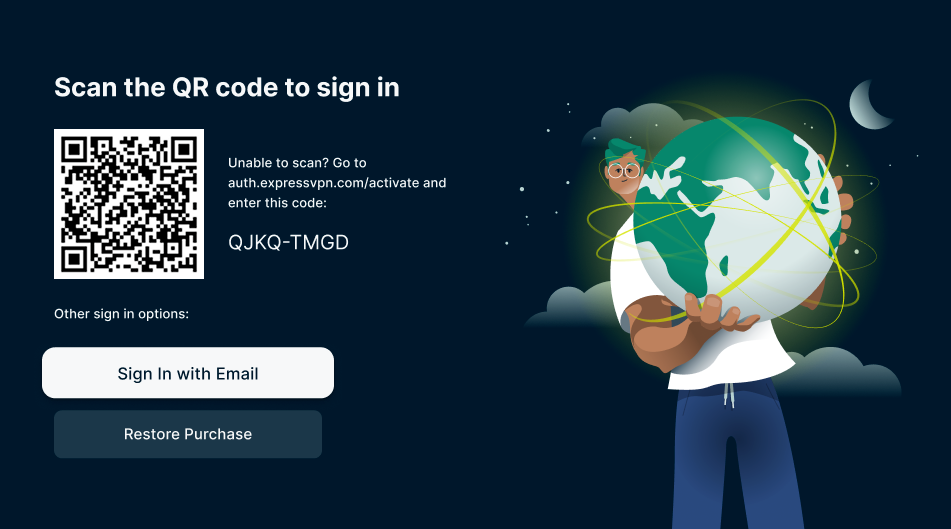
The app supports TV-friendly sign-in, including QR code sign-in where available, so users don’t have to type everything using the remote. Once signed in, they can choose a VPN location and connect from the app.
Available now
ExpressVPN is available now from the Amazon Appstore on supported Fire TV devices running Vega OS. If the app doesn’t appear, check that the device is supported and updated to the latest available software.
Read more: How to set up ExpressVPN on Amazon Fire Stick and Amazon Fire TV
We’ll continue expanding support as new devices and platform updates become available.