Pluto TV VPN: Stream privately without throttling
Make the switch to ExpressVPN for more reliable and secure streaming with fast servers across all 50 U.S. states
- Reduce errors with smart server switching for instant reconnection
- Protect your streaming activity on all networks with advanced encryption
- Watch on your mobile, Fire Stick TV, and more, with apps for every device
30-DAY MONEY-BACK GUARANTEE FOR FIRST-TIME USERS

Why you need a VPN for Pluto TV
Maintain fast speeds and enhanced online privacy wherever you watch

Stop ISP throttling and buffering
Even with a strong internet connection, buffering can still happen if your ISP slows streaming traffic. On a free service like Pluto TV, you’re already sitting through ads, so content-based ISP throttling can make it even more frustrating.
A Pluto TV VPN service works by encrypting your internet traffic. That means your ISP can’t see that you’re using a streaming service, which won’t trigger a slowdown based on your online activity.
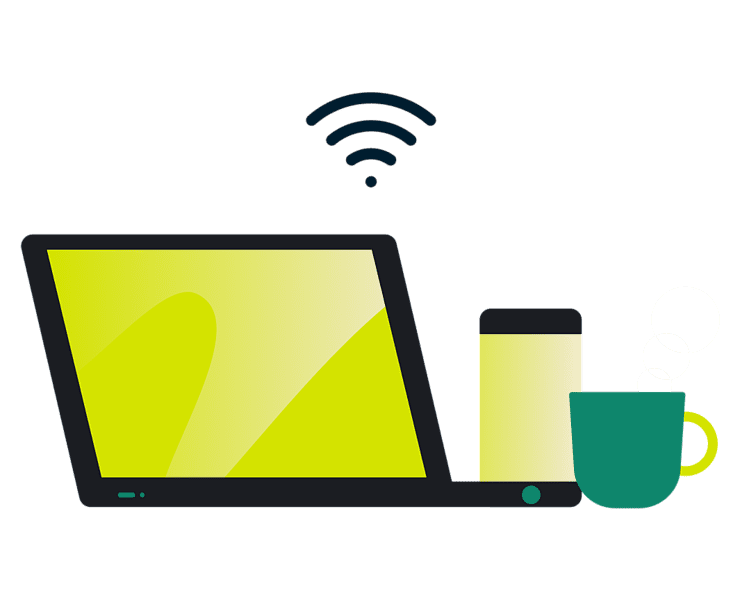
Stream securely on public Wi-Fi network
Public Wi-Fi rarely uses encryption, exposing your data to network admins and hackers using the same network. The VPN’s encryption prevents others from seeing what you stream, keeping your viewing activity private.
When switching from public Wi-Fi to mobile data while streaming, your connection briefly drops. A kill switch blocks all internet traffic during this transition, preventing data from leaking until VPN protection is restored.

Keep your viewing history private
As a free streaming service, Pluto TV collects viewing and device data to support advertising. Your IP address allows advertisers to track your streaming habits across sessions and build persistent profiles tied to your household.
A VPN masks your real IP address, preventing advertisers from linking your viewing history across sessions. So you stay in control of what information is visible online.
How to use ExpressVPN with Pluto TV
Start watching Pluto TV securely in 3 easy steps
-
![How to sign up for ExpressVPN]()
Step 1
Sign Up for ExpressVPN
Sign up with a money-back guarantee* and download the app to your streaming device.
-
![Connect To Belgium Server 2]()
Step 2
Connect to a secure U.S. server
Install the app, sign in, and connect to a secure U.S. server in one tap.
-
![Connect To Server Sky@2x 2]()
Step 3
Start streaming Pluto TV
Stream Pluto TV on the app or on the web with enhanced privacy.

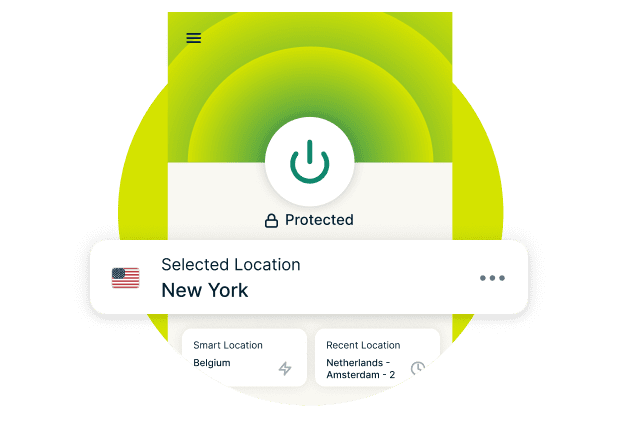

Why ExpressVPN is the Best VPN for Pluto TV
Reliably access your content and stream on any device
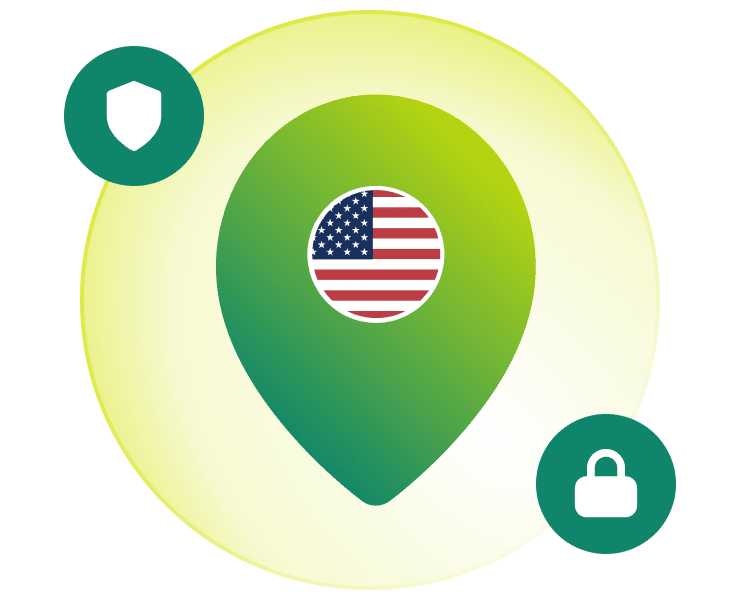
Servers in all 50 U.S. states
With servers in all 50 states, ExpressVPN gives you the flexibility to quickly switch locations if you experience buffering or connection issues.
Our network of high-capacity 40Gbps servers are built to handle heavy traffic without speed degradation. This ensures stable Pluto TV streaming while your connection is secured. Connect to nearby states for optimal performance, or switch freely to find the fastest available server.

Lightway protocol for reduced buffering
Mobile streaming on Pluto TV is especially vulnerable to interruptions. Free streaming services use lower bitrates where minor slowdowns are noticeable, and switching between 100+ channels or moving between Wi-Fi and cellular often causes drops.
ExpressVPN’s Lightway protocol keeps your VPN connection fast through network transitions while using few system resources. This frees up more bandwidth for video and conserves battery, so your Pluto TV streams continue reliably even as your phone changes networks.
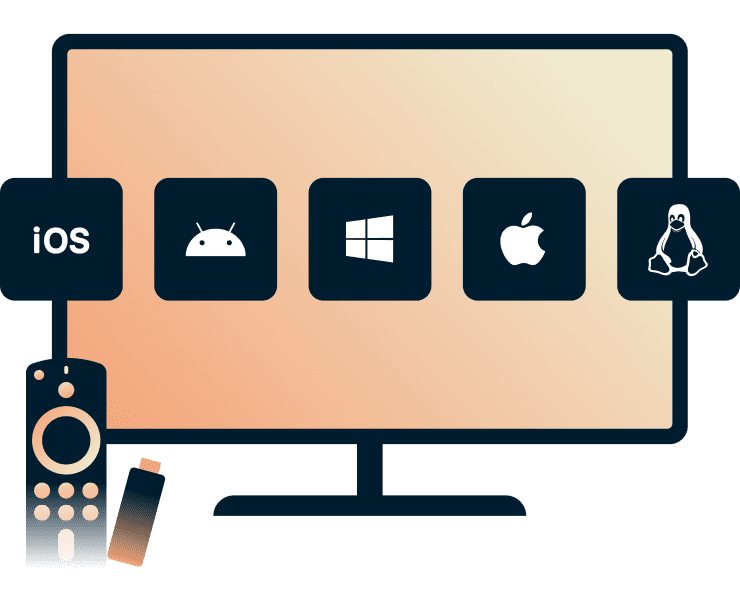
Works on Fire Stick, Android TV, mobiles, and more
Watching Pluto TV on the big screen or streaming on your phone during your commute? ExpressVPN makes it easy to stay protected on every device. With simple setup on Fire TV (Fire OS and Vega OS), iOS, Android, and more, you can start streaming securely in minutes.
ExpressVPN also offers apps for Windows and Mac, plus a Chrome browser extension, so your viewing stays private and protected wherever you press play.
Troubleshooting: Pluto TV not working with your VPN?
Top tips to get you back on Pluto TV fast
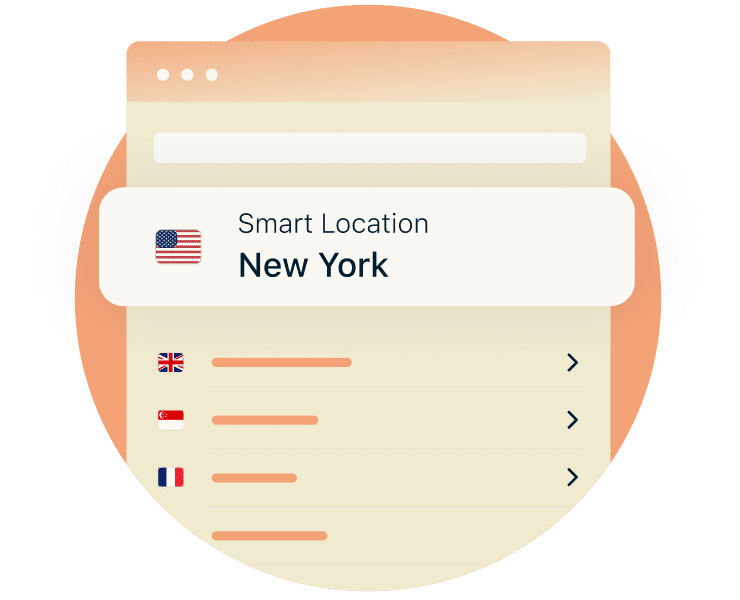
Switch server locations to restore access
When you see the "disable VPN or proxy" error on Pluto TV, it means your current server’s IP address is flagged. Switching to another U.S. server for a fresh IP address typically restores your connection to Pluto TV.
If switching servers doesn’t resolve the issue, ExpressVPN’s 24/7 support can help troubleshoot in real-time. Whether it’s protocol settings, or other connection problems, our helpful agents will get you back to watching Pluto TV quickly.
Change VPN protocols to Lightway
Switch your VPN protocol to Lightway for a more reliable streaming experience on Pluto TV. Brief delays or connection drops during live streaming can cause pauses or interruptions, unlike on-demand shows that preload content and recover more easily.
Lightway reduces latency for live streams, helping the video keep pace with the broadcast. Its lightweight design also uses less processing power than traditional protocols, reducing lag for Pluto TV's live channels.

Clear cache and cookies to resolve playback errors
Cached resources and cookies can store your previous location, which may conflict with your current VPN IP address. This mismatch can trigger "disable VPN" warnings or prevent videos from loading properly.
Clear them in your browser by clicking on Settings > Privacy and security > Delete browsing data (select cache/cookies). Then refresh the page or reopen the app so Pluto TV recognizes your current VPN connection without conflicting with old location data.
FAQ
Discover all the details on using a Pluto TV VPN
Why isn't Pluto TV working with my VPN?
Pluto TV shows "disable VPN" errors when your server's IP address has been flagged. Switching to a different U.S. server location typically resolves this immediately. A VPN's encryption also helps prevent ISP throttling, which can improve streaming stability on free platforms like Pluto TV.
Will a VPN slow down my streaming speed?
VPNs can slightly impact speeds due to encryption overhead. However, modern protocols like ExpressVPN's Lightway minimize this impact. VPN encryption also prevents ISP content-based throttling, when providers deliberately slow streaming services. This often results in more consistent Pluto TV performance.
Can I watch local news channels on Pluto TV?
Yes. Pluto TV's regional content, including local news and sports, varies by location. With ExpressVPN’s servers in all 50 U.S. states, you can connect to a server near your home location to watch your local channels with enhanced privacy and security.
Does using a VPN remove ads on Pluto TV?
No, as a free ad-supported platform, Pluto TV relies on ads to stay accessible without subscriptions. Using a Pluto TV VPN enhances privacy by masking your IP address which prevents ad networks from building profiles tied to your household. But Pluto TV ads remain part of the viewing experience.
Do I need a paid subscription to watch Pluto TV?
No, Pluto TV is completely free, funded by ads that profile your viewing habits, location, and devices. ExpressVPN protects your privacy with a strict no-logs policy and IP address masking. This prevents that data from linking back to you and being used to profile your online activity.
Is it legal to use a VPN to watch Pluto TV?
Yes, using a VPN is completely legal. Many people use VPNs to bolster their privacy and security. VPNs encrypt your traffic and hide your real IP address from ISPs, trackers, and hackers. This is especially useful for free streaming on public Wi-Fi, or when using unsecured networks.
Get a secure streaming experience today
Watch Pluto TV with added privacy and security
- Try the best VPN for Pluto TV with a 30-day money-back guarantee*.
- Stream live sports and your favourite shows with fast servers across the U.S. and beyond.
- Your viewing activity stays private with ExpressVPN’s verified no-logs policy.
*Users who purchased their subscriptions through the Apple App Store (iTunes) or the Google Play Store do not have access to the ExpressVPN 30-day money-back guarantee. Instead, users can request refunds through the App Store or Play Store, at Apple’s or Google’s discretion.