Is Venmo safe? Privacy, security, and smart payment tips


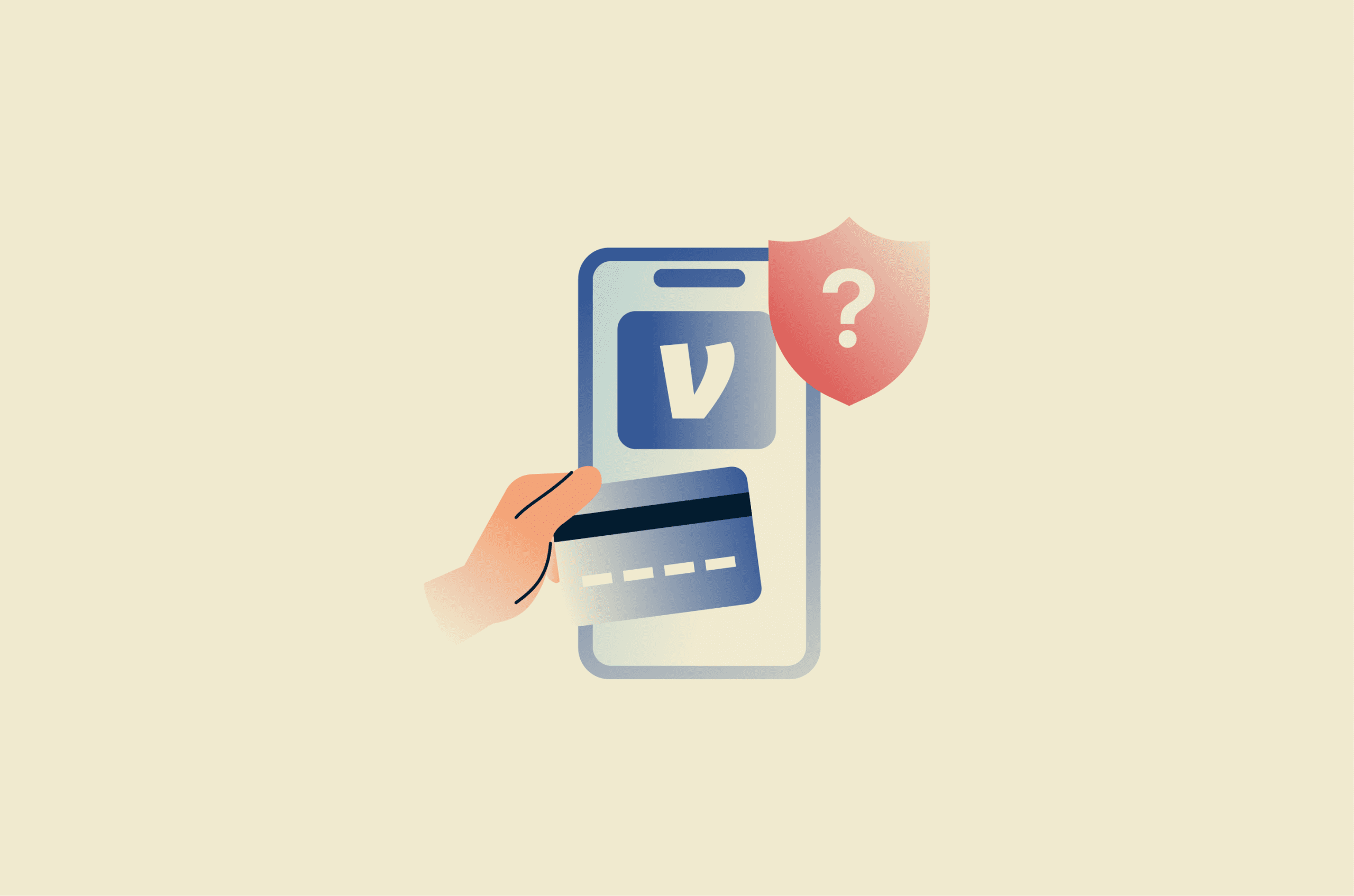
Venmo is an easy way to send money to friends or split a bill when going out to a restaurant. But how safe is it compared to other payment methods?
Venmo has strong security features, but its safety depends on how you use it. Payments are often instant and can't be reversed, which creates problems if something goes wrong. The app works best for trusted transactions, not for buying from strangers or handling high-value payments.
Please note: This information is for general educational purposes only and is not financial, legal, or fraud-recovery advice. If a Venmo payment, account issue, or dispute involves lost money or unauthorized activity, review Venmo's official support guidance and consider contacting your bank, card issuer, or a qualified professional where appropriate.
What is Venmo and how does it work?
Venmo is a peer-to-peer payment app owned by PayPal that lets users send and receive money from their phones. It works like a digital wallet: users can link a bank account, debit card, or credit card, then use the app to move money between people.
Venmo is also part of PayPal's wider payment network, which allows eligible transfers to PayPal accounts in supported countries.
A typical Venmo payment looks like this:
- Choose a recipient using their username, phone number, or QR code.
- Enter the amount and add a note.
- Select your funding source.
- Send the payment.
- The recipient receives the money in their Venmo balance and can either transfer it to their bank account or keep it in the app.
Is Venmo safe for everyday payments?
When used correctly, Venmo is a safe way to transfer money. But like any payment app, it can expose users to privacy issues, mistaken payments, account takeover attempts, and transaction disputes. It's best treated like fast digital cash: convenient for trusted payments, but not ideal for unknown sellers or hard-to-verify transactions.
What Venmo is generally safe for
Venmo is generally safe for low-risk payments where you know who you're paying and why:
- Paying friends and family.
- Splitting shared expenses like rent, utilities, restaurant bills, or group travel.
- Receiving small personal payments from people you know.
Where Venmo can become risky
Venmo becomes riskier when it's used with people you don't know, for high-value purchases, or when there's pressure to pay quickly. The main risk areas include:
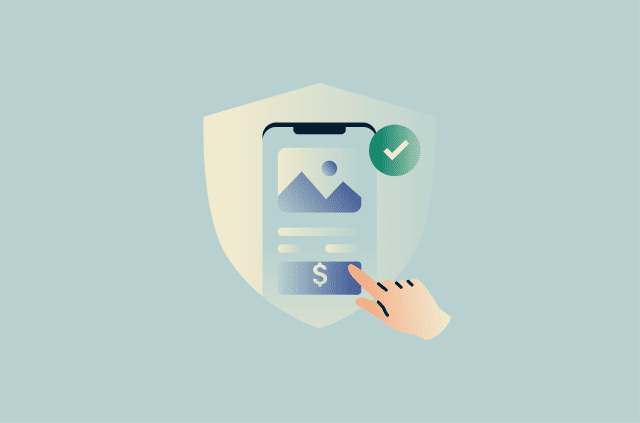
- Buying from strangers: Payments to personal profiles are usually treated as regular payments and may not be covered by Venmo Purchase Protection. When possible, turn on the purchase toggle at checkout so the payment may qualify for Venmo Purchase Protection.
- Selling to strangers: If you sell to strangers, you may face disputes, refund pressure, or claims that an item wasn't received. Keep fulfillment, delivery, and communication records in case a payment is challenged and you need to contact Venmo support.
- Sending to the wrong person: Similar names, usernames, and profile photos can make mistakes easy. Check the recipient carefully before confirming a payment, and avoid paying anyone in a rush.
- Leaving transactions public: Venmo hides payment amounts, but notes, timing, recipient names, and social connections can still reveal personal information. Review your transaction privacy settings and consider whether past payments should be hidden.
- Keeping too much in Venmo: A larger balance can create more risk if your account is compromised. Venmo is usually safest when treated as a payment app, not a place to store significant funds.
- Paying outside protection rules: Even when making purchases, not every transaction qualifies for Purchase Protection. Venmo excludes certain categories, so it's worth checking the terms before using the app for higher-risk purchases.
Venmo privacy risks you should know
Even when you use Venmo correctly, privacy isn't automatic. Understanding what others can see, and where the settings fall short, is key to keeping your financial activity from revealing more than you intend.
Each payment made on Venmo can be set to Public, Friends-only, or Private. With a public setting, other users can see who you paid, when, and what the payment note says. Even friends-only settings can expose activity to a broader network than expected.
Over time, payment activity can expose patterns such as:
- Who someone interacts with regularly.
- Where they spend money.
- How often they pay certain people.
- Recurring expenses, such as rent, childcare, utilities, or shared subscriptions.
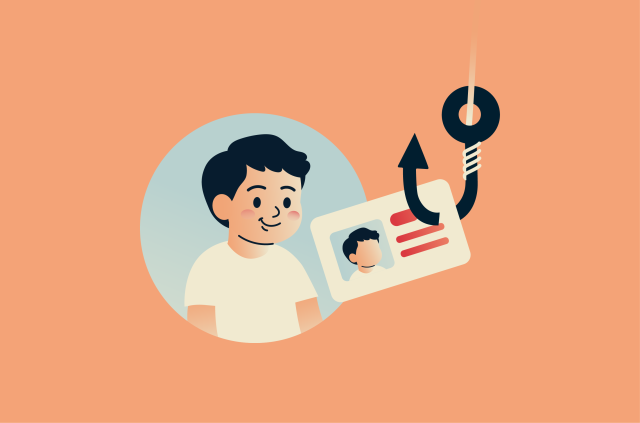
This information can be useful to scammers because it gives them context. For example, a scammer who sees repeated payments to the same person could use that relationship to make an impersonation attempt more convincing. A note about rent, travel, or a shared bill could also give them details to reference in a fake message.
Even when no fraud occurs, public transaction history can still create unnecessary exposure.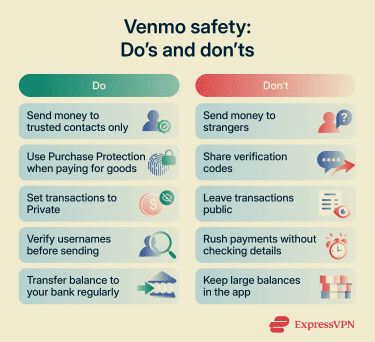
Venmo security features that help protect your account
Venmo includes several built-in security tools. Understanding what they do helps you use them more effectively.
Two-factor authentication (2FA)
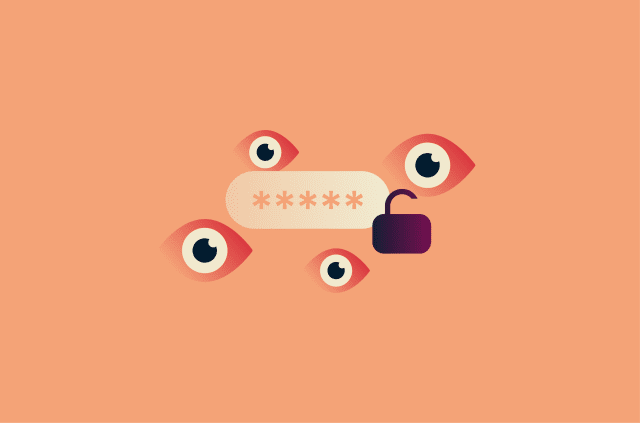
Venmo uses 2FA in some sign-in situations, such as when it needs to verify that the person signing in is the account owner. This usually involves a code sent to the phone number registered with the account. This is an important baseline, but code-based 2FA isn't foolproof. Scammers can trick users into sharing codes through phishing or fake support messages, so you should pair it with a strong password.
PIN codes and biometric login
In addition to code-based 2FA, you can improve your Venmo security with Touch ID or Face ID.
You can also add a passcode, which Venmo will ask for each time you open the app or make a transaction. This helps prevent unauthorized access if Venmo is always logged in on your phone and the phone gets lost or stolen.
Encryption and fraud monitoring
Venmo uses encryption to secure your account and prevent unauthorized access to banking details. It also monitors for suspicious activity, such as unexpected logins and unusual transfers.
That said, no automated system catches everything. Check your transaction history regularly and contact Venmo support if something looks off.
Identity verification
Venmo requires users to verify their identity to comply with financial regulations. This typically involves confirming personal details within the app, especially if you plan to use your balance, send larger amounts, or receive payments for goods and services.
For example, Venmo may ask you to verify your identity if you:
- Send or transfer higher amounts within a short period ($300 or more within a week).
- Move $1,000 or more to your bank account in one week.
- Receive payments for goods or services.
- Manage or participate in a business account.
Account notifications and activity alerts
Venmo lets you customize your notifications from the Me tab by tapping the Settings gear, selecting Notifications, and choosing which alerts you want to receive. These alerts can help you spot unusual account activity faster, such as unexpected payments or account updates.
How safe is Venmo compared with other payment methods?
Understanding Venmo's security features is only the start. It also helps to consider where the money comes from and what happens if something goes wrong. Venmo can be convenient, but each payment method carries different trade-offs for security, control, fees, and dispute options.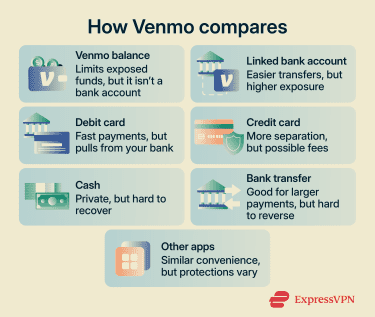
Venmo balance vs. linked bank account
Paying from a Venmo balance may help with budgeting because the money has already been separated from a bank account. However, it's still important to remember that a Venmo balance isn't the same as money held in a bank account.
Venmo says it's not a bank and that balances are not always eligible for the Federal Deposit Insurance Corporation (FDIC) pass-through insurance.
Also, a linked bank account can make transfers easier, but it also connects Venmo to a larger source of funds. If a bank account is linked, it's worth protecting the login carefully, reviewing account activity regularly, and removing any linked accounts that are no longer used.
Debit card vs. credit card payments
When you pay someone on Venmo with a debit card, the money comes directly from the linked bank account. That can be convenient for trusted payments, but it can also affect available cash if a payment is sent to the wrong person or an account is misused.
Paying with a credit card creates more distance between Venmo and the bank account. Depending on the card issuer, the transaction type, and Venmo's own policies, a credit card may also offer stronger dispute options than a debit card.
The trade-off is cost. Venmo usually charges a fee when a credit card is used to send money. That means a credit card may make sense for higher-risk eligible purchases, but it's probably not worth the extra cost for everyday payments to people you trust.
Venmo vs. cash, bank transfers, and other payment apps
Venmo is easier to track than cash and more practical for remote payments. Users can review transaction history, receive alerts, and send or request money without meeting in person. Cash has a different advantage: It doesn't connect to an online account or linked payment method when handed over. However, like with Venmo, once cash is given to someone, it is usually very difficult to recover.
Standard bank transfers may feel more secure for larger or more formal payments, but they can still be difficult to reverse. They also may require you to share more banking information than you'd want to give in casual situations.
Compared with other payment apps, Venmo is strongest for quick social payments and approved merchant transactions. It becomes less ideal when you're paying strangers, buying expensive items, or dealing with anything that could lead to a dispute.
What to do if something looks wrong on Venmo
If something looks wrong on Venmo, check your account and use Venmo's official support channels. This could include an unexpected payment, a payment request you don't recognize, a suspicious message, or someone asking you to send money back.
Pause before sending or refunding money
If you receive an unexpected payment or refund request, check your transaction history first. Verify that the payment is complete, it appears in your Venmo account, and it came from the person contacting you.
Be cautious if you're pressured to act fast, change a payment note, split an unexpected payment, or move the conversation off Venmo. When in doubt, contact Venmo support before sending anything.
Check your transaction history and account settings
Review recent payments, requests, transfers, and linked payment methods. Look for small unrecognized charges, changed bank details, payments to unfamiliar usernames, or requests you don't remember sending. It's also worth checking your profile information, privacy settings, and notification settings.
If you notice changes you don't recognize or that you didn't make, treat it as a security issue and contact Venmo customer support through official channels.
Report suspicious activity to Venmo
Report unauthorized payments, unexpected account changes, suspicious messages, or scam-connected payments through Venmo's official support channels. Avoid using links or phone numbers from unexpected emails or texts, as they could be part of a phishing attempt.
Go directly to the Venmo app or official website. Include the username, payment amount, date, and screenshots of any messages.
Change your password and secure your login
If you suspect unauthorized access, change your password immediately. Use a strong, unique password that isn't shared with your email, banking, or social media accounts. A password manager like ExpressKeys can help you create and store unique passwords so you don't have to reuse or remember them all.
Final verdict: Is Venmo safe to use?
Venmo is generally safe when used as intended. It uses encryption, 2FA, and other security measures to protect your account and financial data, which puts it on par with most modern payment apps.
Venmo works best for sending money to people you know and trust. In those situations, it's fast, convenient, and low risk. But once you move outside that use case, especially when dealing with strangers or online marketplaces, the risks increase significantly.
If you treat Venmo like cash and only use it with trusted contacts or verified businesses, it's a safe and useful tool. If you use it for transactions with strangers or high-value purchases, you're taking on more risk than you might expect.
The safest approach is simple. Use Venmo for convenience, not for situations where you need strong buyer protection or dispute resolution.
FAQ
Is Venmo safe to link to a bank account?
Is Venmo safer with a credit card or a debit card?
Can people see your Venmo payment history?
Is it safe to leave money in a Venmo balance?
Does Venmo protect buyers and sellers?
Can someone access my Venmo if they have my phone?
Should I use Venmo with people I do not know?